As a clinic owner, you will have heard the term “move to the cloud” from every software vendor that has ever phoned your practice. It gets used so loosely that it’s almost lost meaning; right up until the day your front desk computer crashes an hour before opening and every patient record is sitting on that one machine. This is often when the questions of what cloud computing in healthcare actually looks like and if it is the right move begin.
The short answer is yes; for nearly every clinic out there, you can use clinic management software Long answer: it depends on what you are trying to fix. Let’s go through it properly.
What Is Cloud Computing in Healthcare?
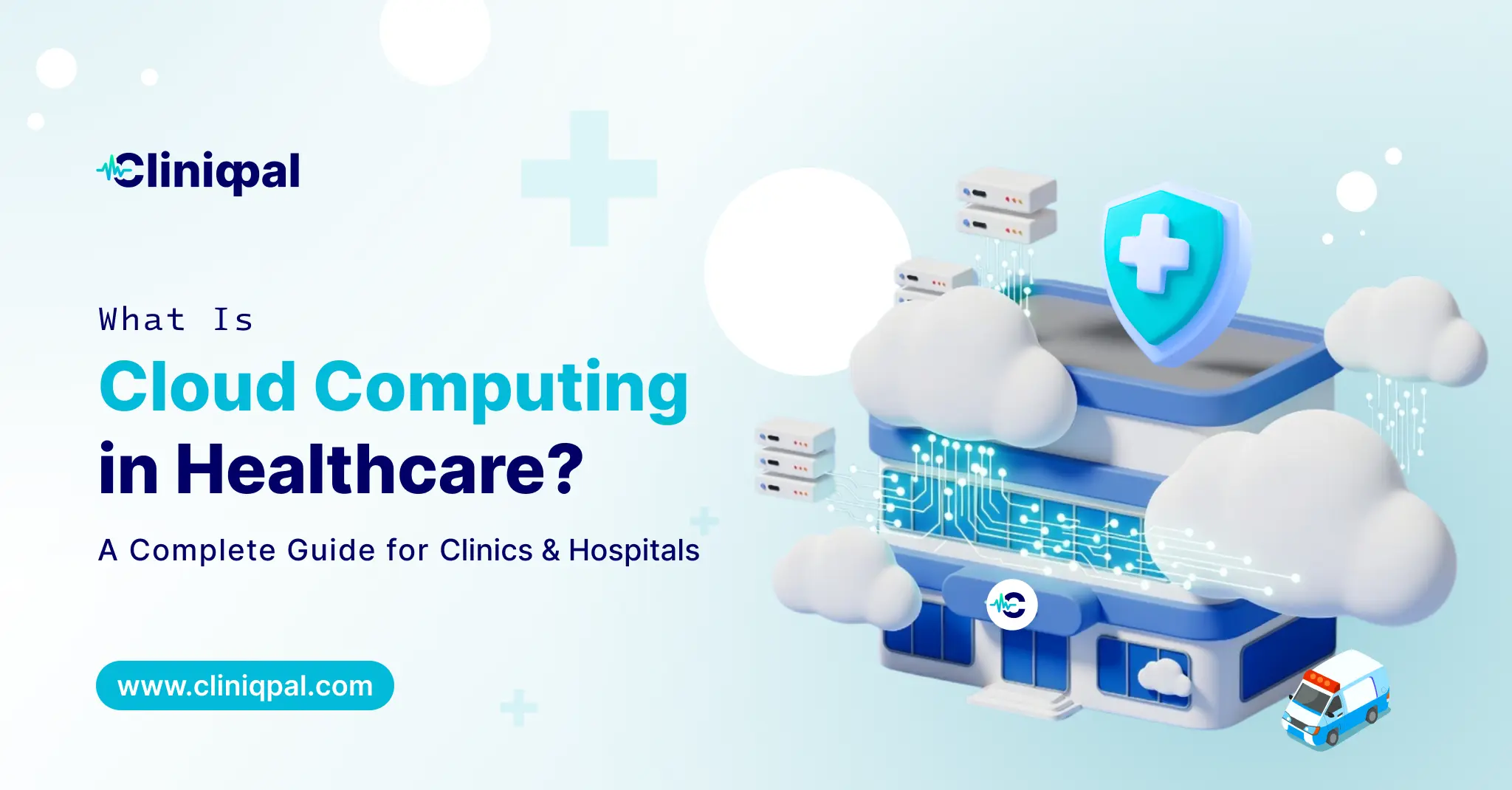
Basically, cloud computing refrains from storing your data and software in some box found hiding under your reception desk. Instead, they reside on outside managed servers- Amazon, Google, or Microsoft cloud, or a healthcare-specific provider and you access everything over the internet, via a browser or an app.
Well, imagine if everything had its own filing cabinet instead of one big room filled with files for all branches of your clinic: you’d have to buy a filing cabinet for each branch! All files are digitally accessible from wherever, and no one needs to carry files from place to place; a fire in one branch means records aren’t burnt.
For healthcare specifically, this includes:
- Electronic health records (EHR) hosted online instead of on a local server
- Cloud-based clinic management software
- Appointment scheduling system that can be accessed by staff to book an appointment
- Billing and insurance claim processing
- Storage of medical images (PACS systems, increasingly cloud-based)
- Telemedicine platforms
None of this is exotic today: at this point it’s less innovation, more like plumbing; it’s no longer a question of whether you’re going to use it but instead how well your existing system does it.
Types of Cloud Computing in Healthcare
There are several different flavours of encryption, and it actually matters which one you have in your sights, especially when a vendor is trying to sell you something.
- Public Cloud – What public cloud means is your data is on shared infrastructure, like all other companies’ data (that likely runs on AWS or Google Cloud), but logically separated and encrypted. Most affordable option, and honestly good enough for nearly every small-to-mid clinic as long as the vendor follows compliance closely.
- Private Cloud – Infrastructure dedicated only to you! More control, more cost. This is mainly the path taken by larger hospital networks with stringent compliance requirements or specifically strict IT policies.
- Hybrid Cloud – A mix. Certain sensitive records remain on local, personal infrastructure with cloud technology in healthcare; less sensitive workloads (like scheduling or well-known admin tools) stroll the public cloud. Many hospitals come here to do it because this allows them to keep some legacy systems up while modernizing some of the other things.
- Community Cloud – Community cloud is known as shared between organizations with similar needs, like a group of clinics on the same network or within a regional health authority. Less frequently for independent practices, more often in government or multi-hospital settings.
A public or hybrid cloud setup typically makes the most sense for a standalone clinic or small chain.
Applications of Cloud Computing in Healthcare
This is where it stops being theoretical. Here’s where cloud technology actually shows, and you can find advantages of cloud computing in healthcare:
Records that follow the patient.
An individual who visits your primary location and then subsequently calls from a remote site does not have to repeat their history. Everything’s already there.
Remote access for doctors and staff.
One doctor scrolling through a patient chart from home in preparation for their early morning call-in, or another lab tech uploading results back to the records from some other site; all of this is only seamless with cloud-powered infrastructure resting underneath it.
Appointment scheduling and reminders.
Cloud-based booking systems automatically send SMS or email appointment reminders, reduce no-shows, and allow patients to reschedule their appointments online without tying up your front desk phone line.
Billing and claims processing.
Insurance claims processed and tracked with automation, rather than manual re-entry at every stage.
Data backup and disaster recovery.
This does not sound good until the day it saves your practice. Local host servers are lost, stolen, or run into ransomware. It means such a bad Tuesday never turns into a bad year like cloud backups.
Telehealth.
Cloud is what powers it all under the hood, whether or not patients think about voice consultations, remote monitoring devices transmitting data back to a dashboard, or e-prescriptions fed directly to pharmacies.
Analytics and reporting.
Managers and owners view patient flow, revenue trends, and staff performance in near real time, rather than relying on a monthly spreadsheet compiled manually.
Use of Cloud Computing in Healthcare: Is It Actually Safe?
This should be the question in every clinic owner’s mind, and the honest answer is: normally it delivers a safer solution than your existing method, but not always.
Local servers get stolen. Laptops get left in cars. Paper files get water-damaged. A well-set-up, encrypted, and backed-up cloud system tends to trump all of that. “Cloud,” however, isn’t a magic incantation to pass security as someone else’s problem. Here are a few things you should verify before you sign up with any provider:
- Is patient data encrypted “in motion” and at rest?
- Is the vendor clear on what is done with your data and compliance in the region you operate?
- Can you limit access to data based on role, who sees what, and is it only approved people with permission?
- What happens to your data if you decide to leave the platform; can you actually export it?
Cloud Technology in Healthcare: Where This Is Heading
There are a few things that have become rather commonplace among clinics that have already transitioned:
- AI-powered transcription for consultation notes, reducing manual charting.
- Identifying potential visits with predictive scheduling before such a phenomenon occurs.
- Wearable health devices integration with patient records.
- Voice-based data entry for doctors who would prefer to talk rather than type during in-between patient visits.
Where to Start
If your clinic is still running on local servers, paper charts, or a patchwork of disconnected tools, cloud-based clinic management software is usually the fastest way to fix the most annoying parts of your day without overhauling how your team actually works.
Cliniqpal was built for exactly that: patient records, scheduling, and billing in one cloud-based system, accessible from wherever your clinic actually operates. Worth a look if any part of this sounded a little too familiar.